
Name-Based Case Searches
A Chippewa County name search works best in two steps. Run the name through the statewide public search first. Then narrow the result with details you already know about the matter. The official data reference describes a query by participant name or case number, with qualifiers for first name, last name, full name, and case number. Treat those fields as an inventory for searching and troubleshooting. They are not a promise that every option appears as a live public form control.
- Open the public MiCOURT search, read the notice, acknowledge it, and select Continue before entering a query.
- Enter the participant name as accurately as possible and choose the appropriate category when the search interface offers one.
- Use a known case year, court context, or public-status limit to narrow a broad Chippewa County result instead of assuming the first name match is correct.
- Open only a matching result, record the court and case number, then confirm a time-sensitive detail with the court of record.
| Field label | Type | Required | Notes |
|---|---|---|---|
| q or participant name | Documented general query | One search term | Can address a case number or participant name in the API reference. |
| First, last, or full name | Documented qualifier | Optional qualifier | Use the spelling on the court notice where available. |
| Case category | Category selection | Optional narrowing | Public categories include civil, traffic, criminal, domestic or family, and probate. |
| Case year or public status | Documented filter | Optional narrowing | Useful when a Chippewa County name search produces no result or too many results. |
Chippewa County MiCOURT Case Search Notice
MiCOURT's public case-search landing page sets the terms before any lookup begins. Its notice states that the information is not an official court record. It directs users to the court of record, warns about personal information, and prohibits bulk downloads.
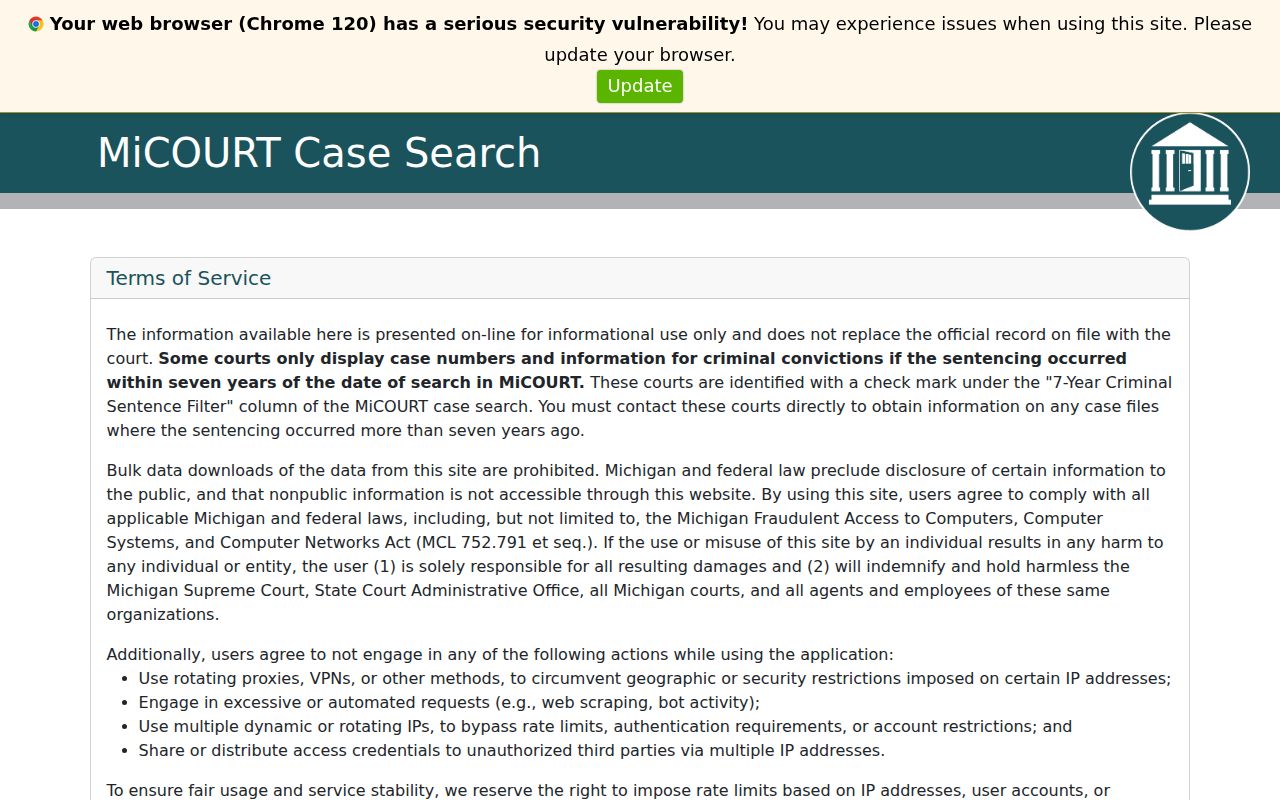
The acknowledgment stage comes before an individual lookup. Treat any result as a public locator for a case. It is not the authority on filings, hearings, or copies.
MiCOURT lists its public case categories. They are Civil, Traffic, Criminal, Domestic or Divorce or Family, and Probate. Pick the category that matches the known Chippewa County court matter. An empty result can mean the wrong category, a spelling slip, the wrong year, a public-status limit, or a case type the public system does not display.
Case Number Searches
A case number is the safest bridge between a Chippewa County docket result and a clerk request. Use the actual number printed on the court notice, order, prior filing, or public record, such as actual case number from notice or record. The county does not publish one local number format covering every Chippewa County court, so a guessed year, type, or sequence pattern would be unreliable.
Enter the real number in MiCOURT when the public interface accepts it. Or hand it to the responsible clerk when you request a case history or copy. The County Clerk's Circuit request process asks for the file number and the exact amount due before payment. District, Probate, and Juvenile records each have separate local custody and access rules.
Chippewa County C50 Case Search Route
The MiCOURT court identifier for the 50th Circuit Court is C50. The direct Chippewa Circuit endpoint is the official route into that court's public search. Some visitors hit a 403 error there. Treat the endpoint as a route reference, not as proof of a live result, a working interface control, or any person's case.
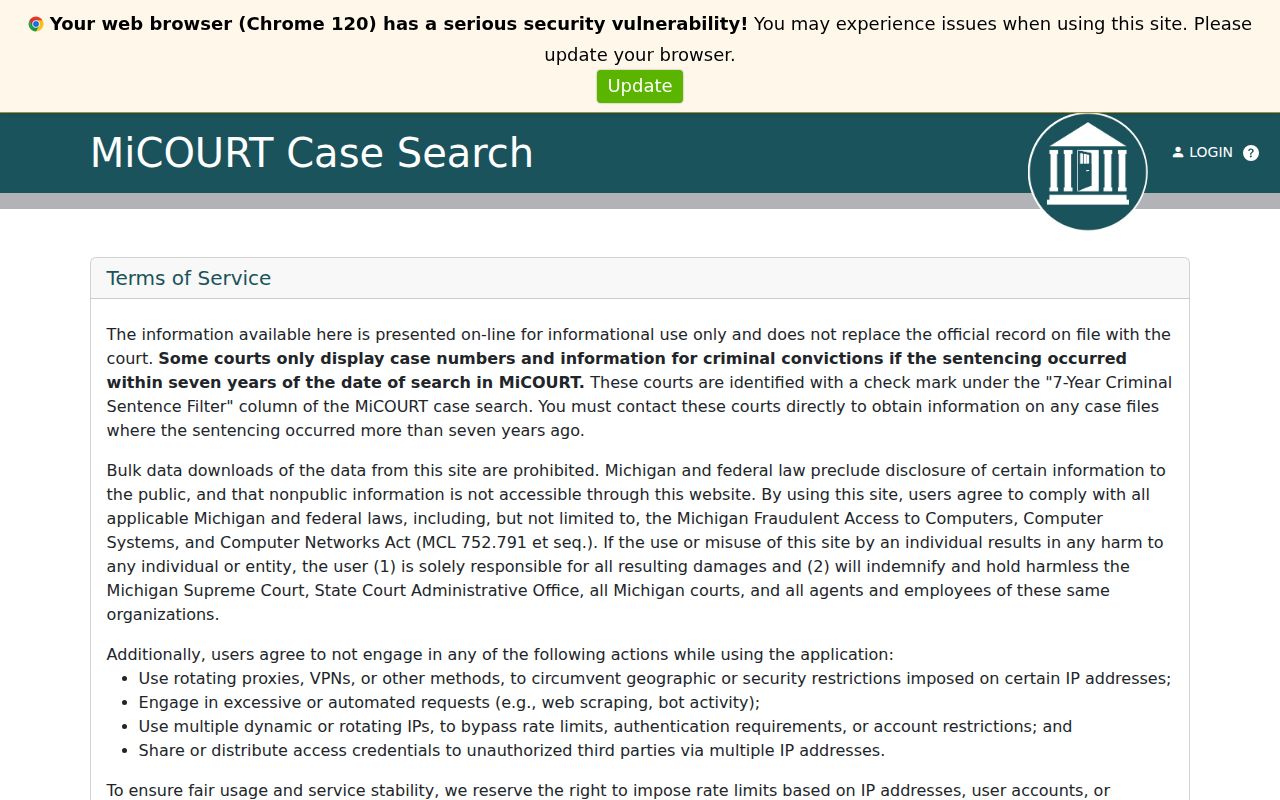
When a Chippewa County Circuit case will not display online, or you need an official copy, skip the C50 endpoint and use the 50th Circuit Court and County Clerk path instead. Do not read meaning into a missing result. A gap in the public search does not prove a file does not exist.
Case Search Results Explained
Read a Chippewa County case search result field by field. The public system can show a case number, court, case type, filing date, status, parties, and public event information. Those fields appear when they are available. "Case status" describes a system state, such as open, closed, disposed, deferred, mediation, ADR, or garnishment. It is a label, not a ruling. It does not replace a clerk's official case history. And it never means every document in the file is public.
| Case number | The court-assigned identifier for matching the Chippewa County result to a clerk or copy request. |
|---|---|
| Court or tenant | The court associated with the record; C50 identifies the Chippewa County 50th Circuit route. |
| Case type | A category such as civil, criminal, traffic, domestic, probate, or another documented classification. |
| Filing date | The date the case or pleading was filed, which may differ from a future hearing date. |
| Case status | A recorded status that helps organize results but should be confirmed with the court of record. |
| Public status | The visibility condition that affects whether a Chippewa County record can appear publicly. |
Michigan's term for the full procedural record is case history. A calendar is only the schedule of cases, times, and places. That distinction matters when a result shows an event date but not the filings a party expects to see.
Chippewa County Case Search Filters
The MiCOURT API reference documents the available search filters. It covers case type, case-type category and subcategory, case year, case status, public status, jurist, authorized date of birth in yyyy-mm-dd format, petition status, balance, and filing-date ranges. Paging and response-shaping parameters are documented too.
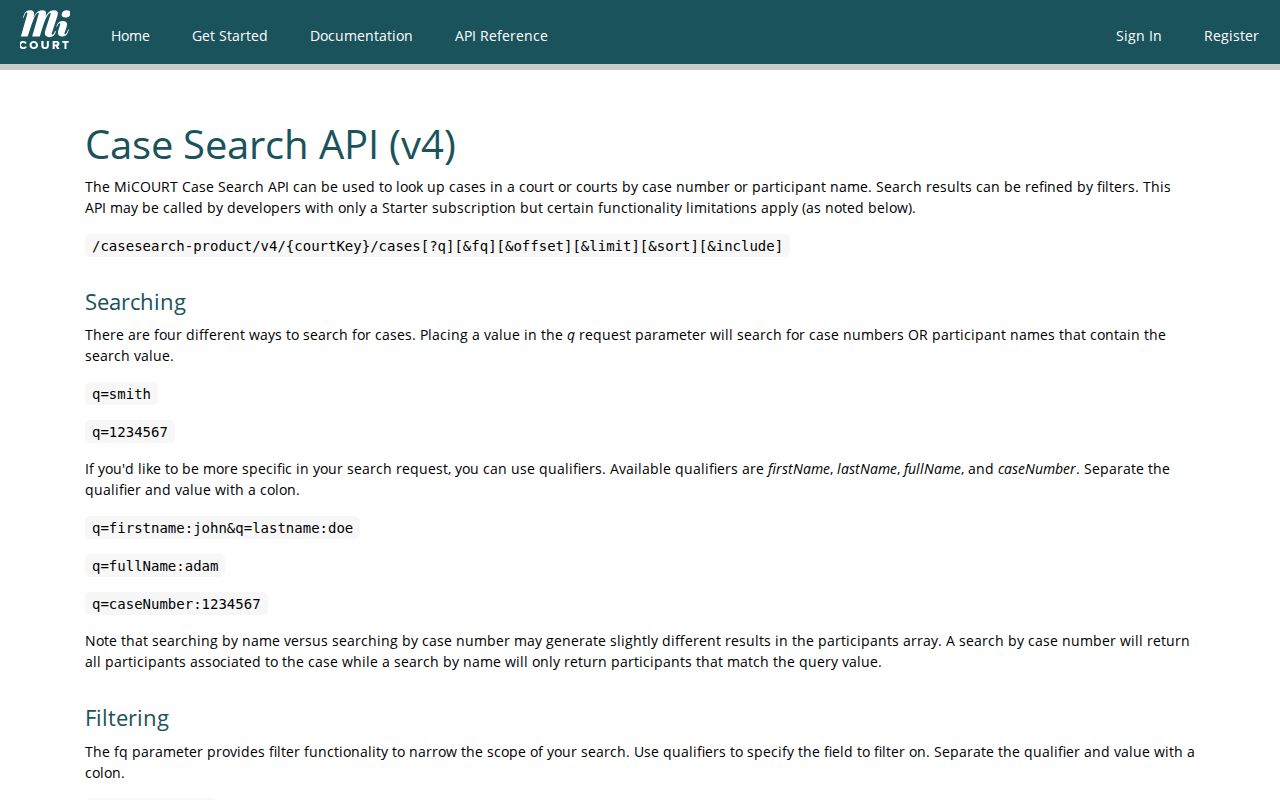
These are documented data-model fields and troubleshooting tools. They are not confirmed live controls on every Chippewa County public screen. Use a date of birth only when authorized. Keep personal identifiers out of public messages. When a protected field or restricted result blocks a match, ask the court of record.
Two Ways to Search: County and State
Two routes serve different needs in Chippewa County. The statewide MiCOURT route offers an online public lead across participating trial-court records. The 91st District Court offers a local public assess computer plus clerk research for difficult or older District records. Pick the court of record first. Only then treat either route as a source.
| Statewide MiCOURT search | Chippewa County District record search |
|---|---|
| Online public search lead | Public assess computer during normal business hours |
| Uses public categories and visibility limits | County requests a name, recommends date of birth, and asks for a period |
| Good for a known case number or participant lookup | Good for older or difficult 91st District records |
| May exclude or limit public case types | Standard search covers ten years; records over 25 years may not be computerized |
Chippewa County clerk research carries a nominal fee. The official District source does not state a numeric amount. The public assess computer is free during normal business hours.
Chippewa County District Record Search
The 91st District Court record-search page lays out the local options. It identifies the public assess computer and explains clerk research. It also notes an older-record limitation that sets this Chippewa County search route apart from a current online result.
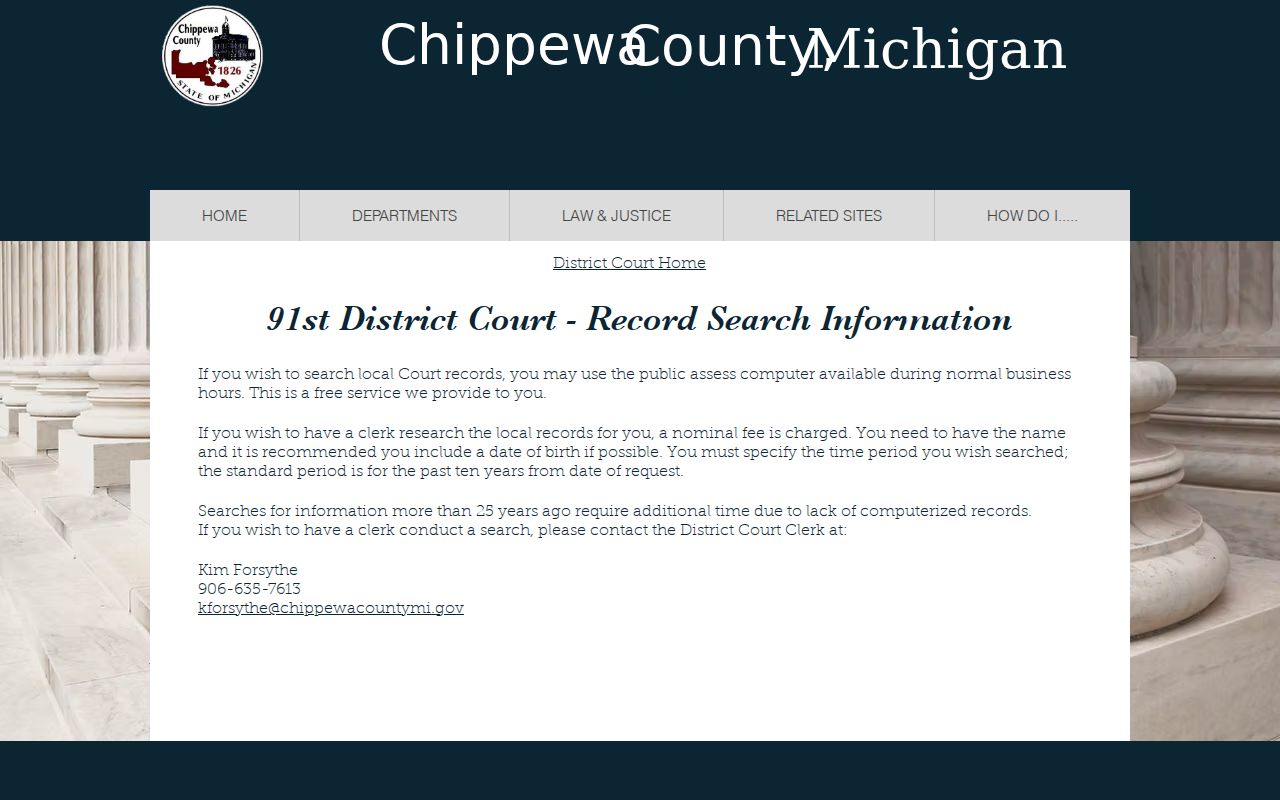
The Chippewa County District Court does not publish a full public online search form. The work here runs through the clerk in person or by phone. The local number is 906-635-7613. Call with the period you need and the type of record in mind. Bring a name too, plus a date of birth when you can. That gives the clerk a defined request rather than a vague one.
Older files take longer. Records more than 25 years old are not computerized. The clerk may need extra time to pull them. A clear request up front saves a second trip.
Chippewa County Traffic Case Search
A Chippewa County traffic matter may also travel through Michigan's ePAY Ticket or Case Search. That statewide tool offers several ways in. You can pick the county and court. You can search a last name with a ticket or case number. You can also pair a last name with a date of birth, which uses three selection controls. A driver's license number plus state works, as does a license plate plus state.
Chippewa County is not confirmed on the current ePAY list. So check participation and the correct court before you rely on it. The ticket, the District clerk, or the traffic division remains the place for payment and hearing status. When a statewide traffic lookup goes nowhere, call the 91st District Court at 906-635-7613 for record research.
Which Cases Stay Restricted
Not every Chippewa County case shows up in a public search. MiCOURT excludes adoption, delayed registration of foreign birth, judicial admissions, juvenile and child-protective proceedings, juvenile guardianships, mental illness, name changes, parental waivers, PPOs, surrendered newborn child matters, treatment of infectious disease, violation PPO, ERPO, young-adult voluntary foster care, and wills. A court order, rule, or statute can seal or restrict materials too.
Criminal displays carry their own limits. Some show only cases sentenced within the last seven years. The public interface says so plainly. MiCOURT also cautions that an attempted felony under MCL 750.92(3) may display as FELONY. An "A" marks attempted, conspired, or solicited conduct. These are display quirks, not findings about anyone's case.
Chippewa County MiFILE Search Boundary
MiFILE's available-courts page shows which Michigan courts accept electronic filing through MiFILE or TrueFiling. It is a filing platform, not the public MiCOURT case-search system and not a public document-copy service.
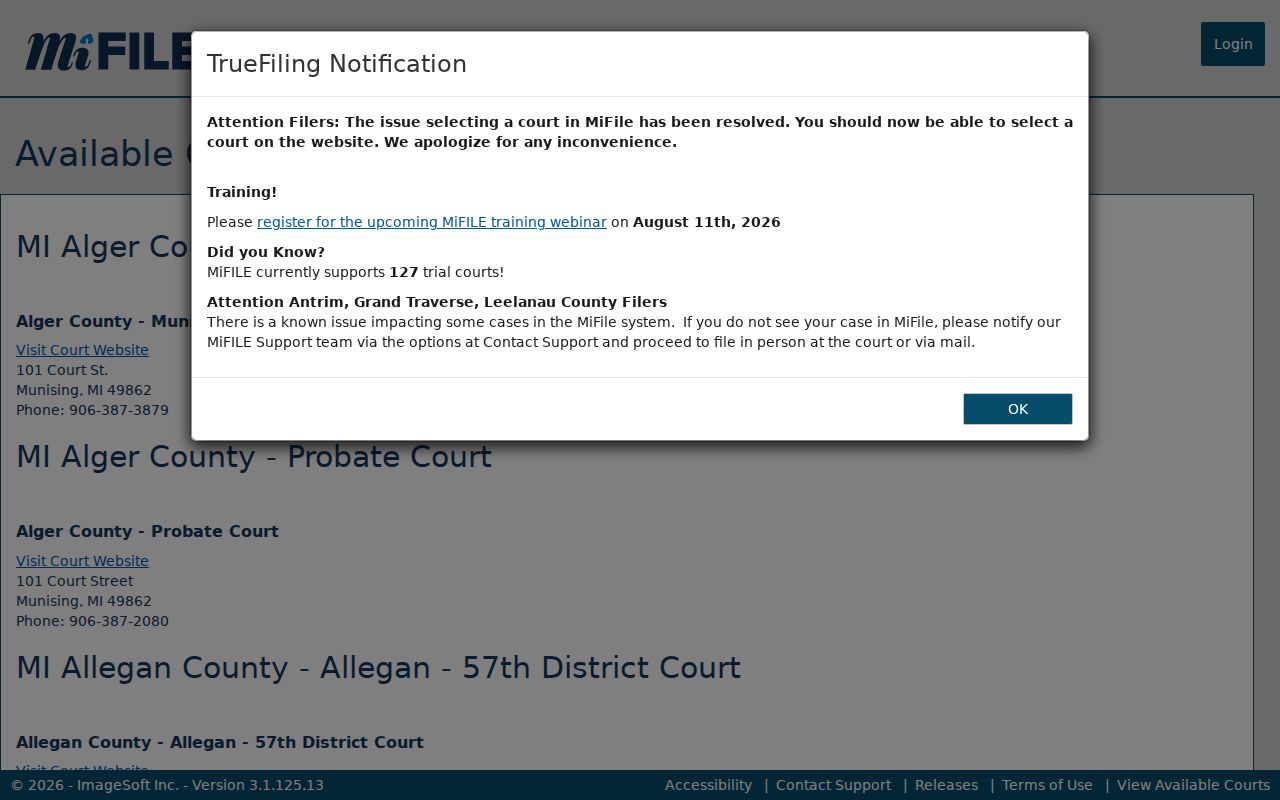
The Chippewa County listing helps you check e-filing availability. Verify local participation with the court before you file, though. It offers no public case result and no substitute for the clerk's record-access process.
Chippewa County Case Search Escalation
Sometimes a Chippewa County docket search comes back empty. Spelling, category, year, public status, and the seven-year criminal filter may all fail to explain it. Then call the court of record. For a 91st District matter, the public access computer and clerk research come next. For a 50th Circuit copy, get the file number and document type straight. Do that before you approach the County Clerk, who keeps the Circuit criminal and civil files. Most of those files are open to the public, subject to restrictions.
Need a regular or certified copy? File a Circuit court-document request. Ask the clerk for the exact amount due before paying. Chippewa County Court Case Records covers the request route. It also explains the difference between inspection, reproduction, and certification. Skip bulk extraction entirely; individual case lookups and direct confirmation respect the limits the public system sets.
Note: a Chippewa County search result is informational. The court or clerk holding the record is the source for confirmation.